 Mac app · Apple Silicon
Clipvara
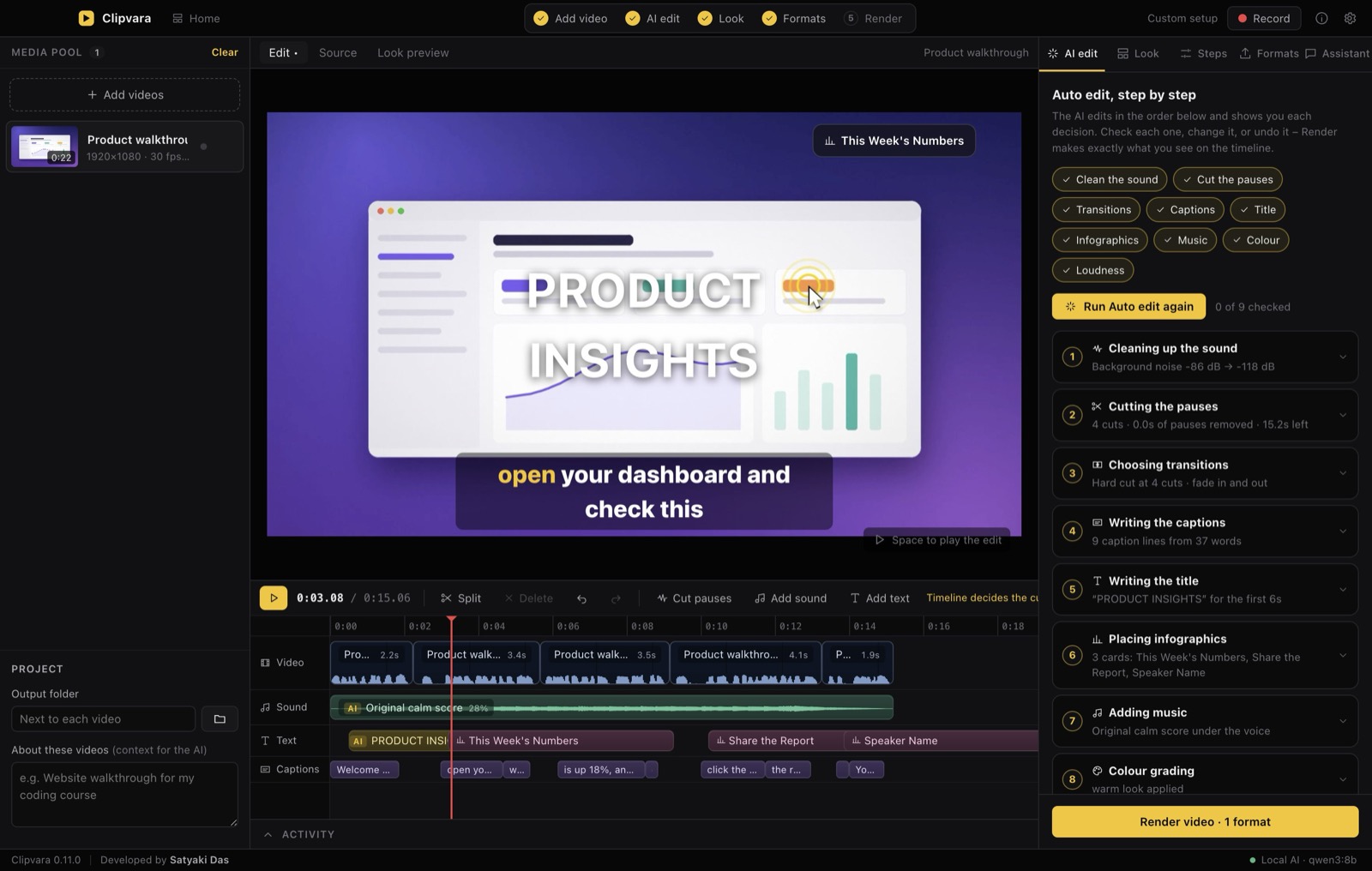
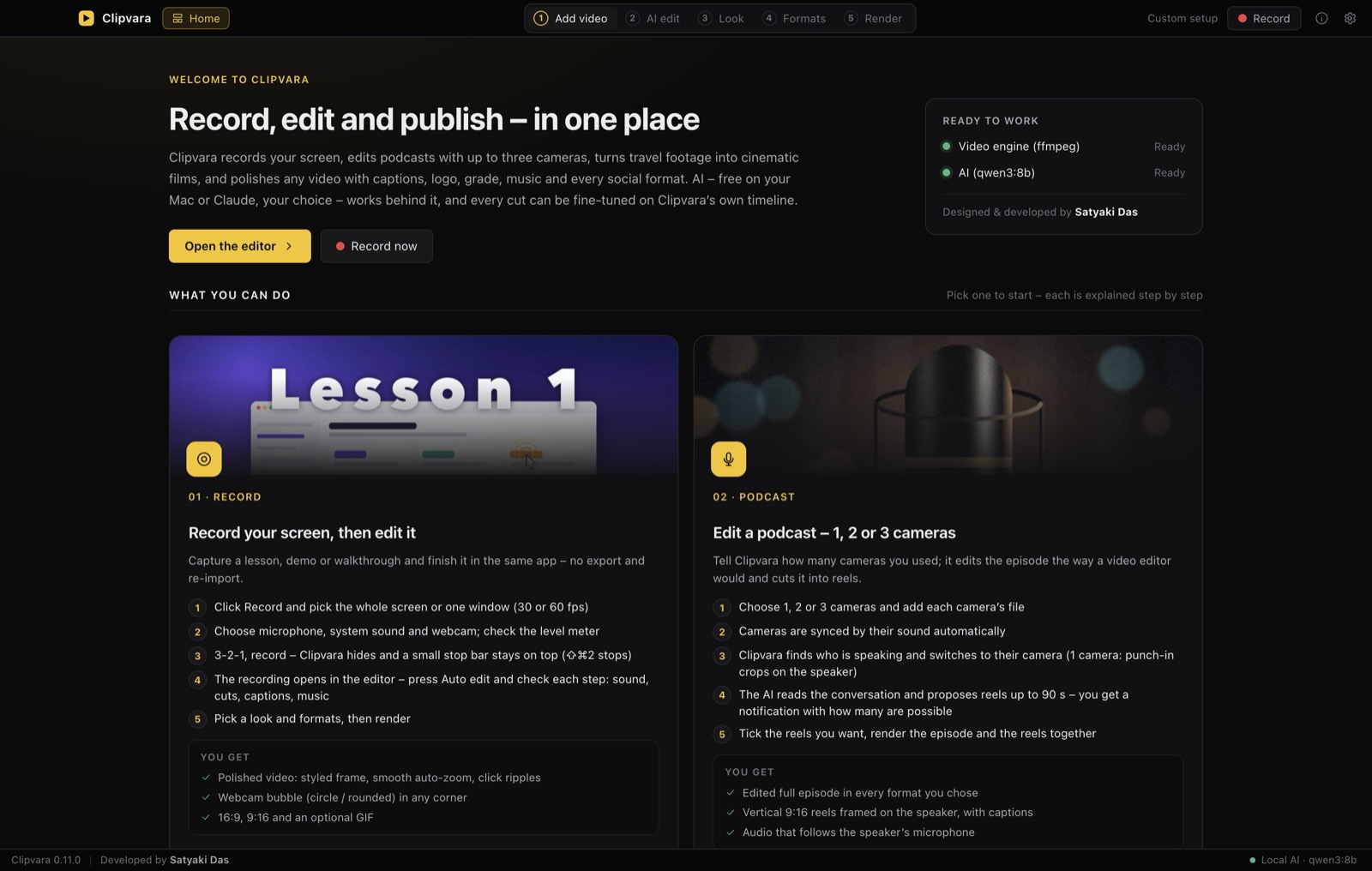
Record, edit and publish – in one place. Press Auto edit and Clipvara cleans the sound, cuts the pauses, adds captions, a title, infographics, music, transitions and colour – then exports a Reel, a Short and a YouTube video from the same recording. You check every step and can fine-tune each cut on the timeline.
What it does
Auto edit, step by step
Noise clean-up, pause cutting, transitions, captions, title, infographics, music, colour grade and loudness – each shown so you can accept, change or undo it.
Every format at once
16:9 for YouTube, 9:16 for Reels and Shorts, 1:1, 4:5 and more – framed automatically, up to 4K, plus an optional GIF.
Screen recording built in
Record your screen, microphone and webcam, then edit in the same app – with smooth auto-zoom and click highlights.
Podcasts and travel films
Edit 1–3 camera podcasts with automatic speaker switching, find the best reels, or turn travel footage into a cinematic film.
Your own timeline
Split, trim, add sound and text, and preview looks on your own footage – no other editing software needed.
Private AI, your choice
Free AI that runs on your Mac through Ollama, or Claude with your own API key – or no AI at all. Your videos never leave your Mac.
- Lifetime licence for one person
- Works on one Mac at a time – move it to a new Mac any time
- Delivered instantly: download link + licence key
- Works offline after a one-time activation
- No subscription, no watermark
All sales are final – see the refund policy. Please check the requirements below before buying.
Requirements
| Mac | Apple Silicon (M1 or newer). Intel Macs are not supported. |
| macOS | 13.5 Ventura or newer (the optional free local AI needs macOS 14+) |
| Memory | 8 GB or more; 16 GB recommended for the local AI |
| Disk | About 1.2 GB for the app + 1.6 GB speech model (downloaded once) |
| Internet | Once to activate, and for the one-time speech-model download |
How you get Clipvara
- Pay ₹3,999 securely through Razorpay – UPI, cards or net banking.
- Receive your licence key (CV-XXXXX-XXXXX-XXXXX-XXXXX) and the download link by email, usually within minutes and always within 24 hours.
- Download the Clipvara .dmg, drag it to Applications and open it.
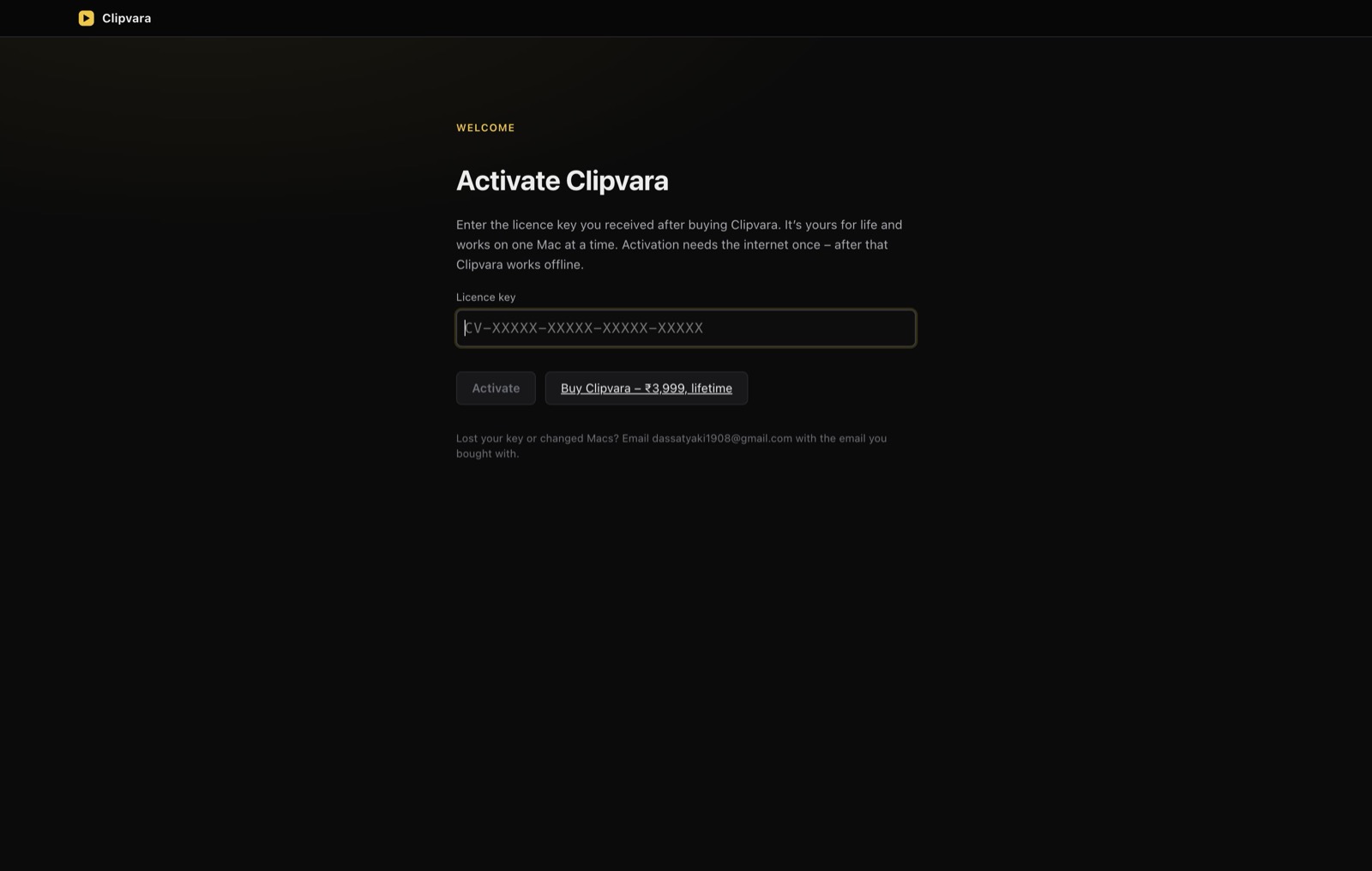
- Activate – paste the key once. Clipvara then works offline.
Already bought it? Download the latest version.